From business process to manageable software scope.
Scope Compass brings processes, decisions, requirements and scope together in one traceable model. AI makes the first proposal. Key users and experts decide what is right.
Working application · used in two real client contexts · guided demo
days
At Royal de Boer the initial scope baseline stood in about three days.
Scope Compass was used to capture the process landscape and the first scope for a real ERP selection. That picture gave Royal de Boer enough clarity to choose Thinkwise. Further validation then continued with key users.
- Working multi-tenant application.
- Used in two real project contexts.
- Process capture and key-user validation work.
- Requirements, user stories and a data model can be generated.
Full scope, budget and change control during implementation, and the connection to Thinkwise MCP, are still being tested in practice.
The same processes get explained over and over.
Interviews become presentations. Presentations become requirements. Requirements become user stories. Every hand-over adds a fresh interpretation, while the source — the accepted business process — drifts out of view.
Without
- Loose documents
- Hand-over
- New interpretation
With Scope Compass
- Accepted process
- Traceable scope
- Reusable delivery input
The process stays the source.
The business validates
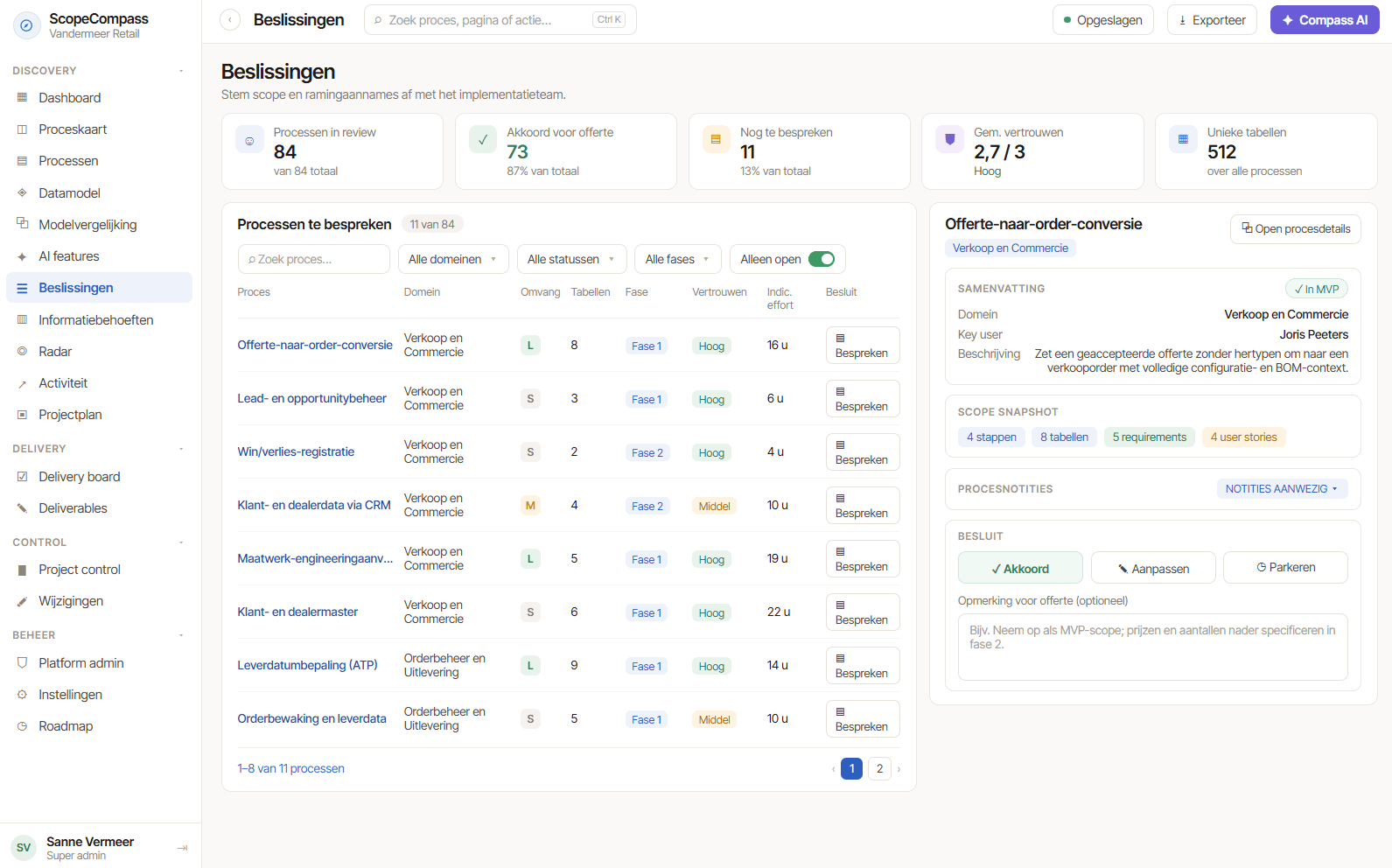
Key users correct and accept their own processes. The expert then decides what becomes official.
Everything stays traceable
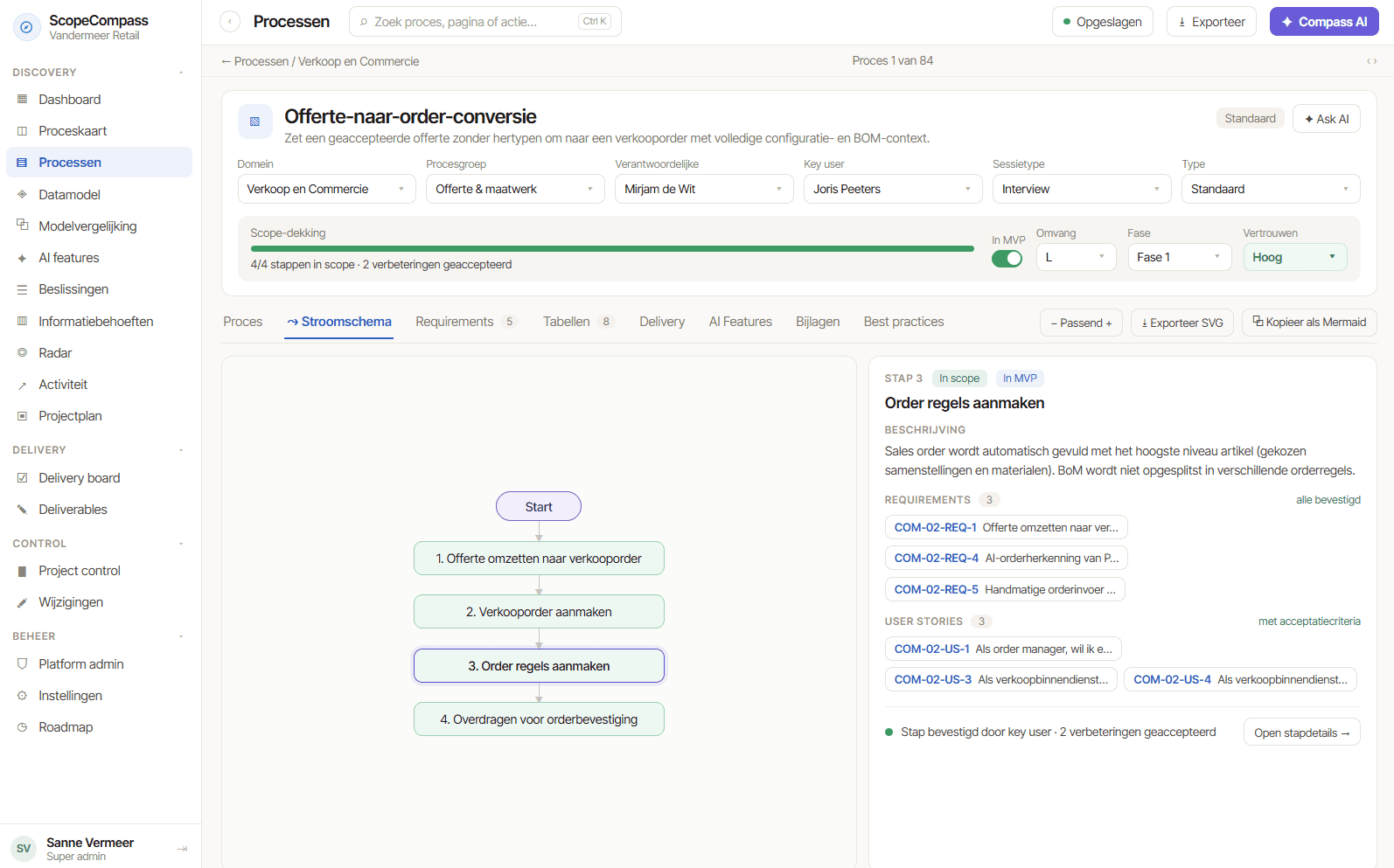
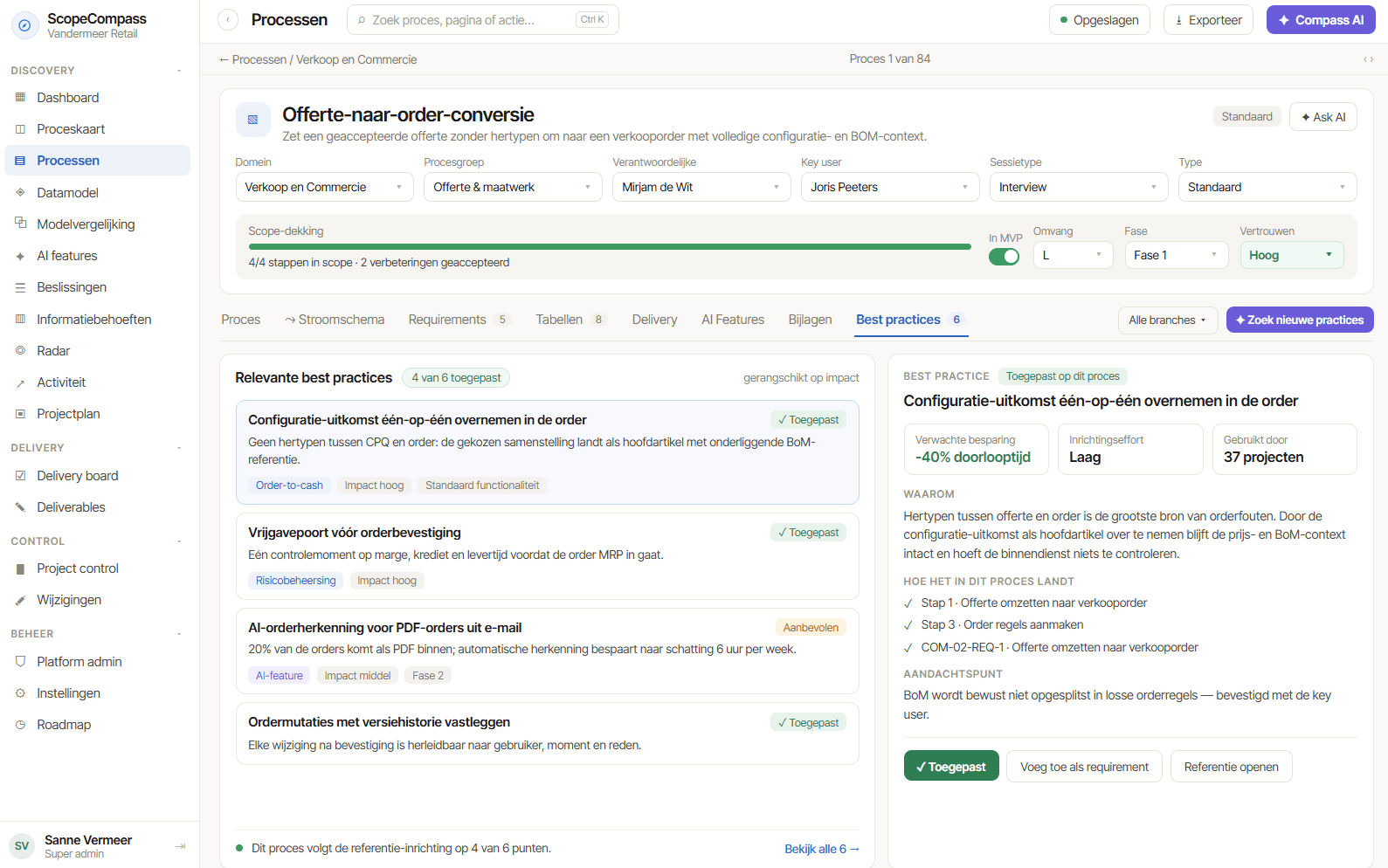
Requirements, user stories, data intent and scope remain linked to the process and the decision they came from.
Change stays manageable
When a process or decision changes, it becomes visible which downstream information needs a second look.
No source, no decision. AI drafts. Experts decide.
From conversation to controlled delivery input.
- 01
Capture
Interviews, documents and reference processes become one shared process model.
- 02
Validate
Key users and owners correct and accept what touches their work.
- 03
Decide
Scope, assumptions, exceptions and open questions are made explicit.
- 04
Translate
Approved input becomes requirements, user stories and data intent for further delivery preparation.
Scope Compass does not guess the exact Thinkwise realisation. A builder first has to examine the live Software Factory model and propose an execution plan for approval.
Not only before the ERP decision.
ERP selection
Put distinguishing processes, exceptions and fit/gap on the table before a platform is chosen.
How we guide a selection →Implementation
Keep accepted processes, requirements, scope and changes in the same chain.
How we guide an implementation →Ongoing development
Start a process improvement from known business context instead of going back to interviews and loose documents every time.
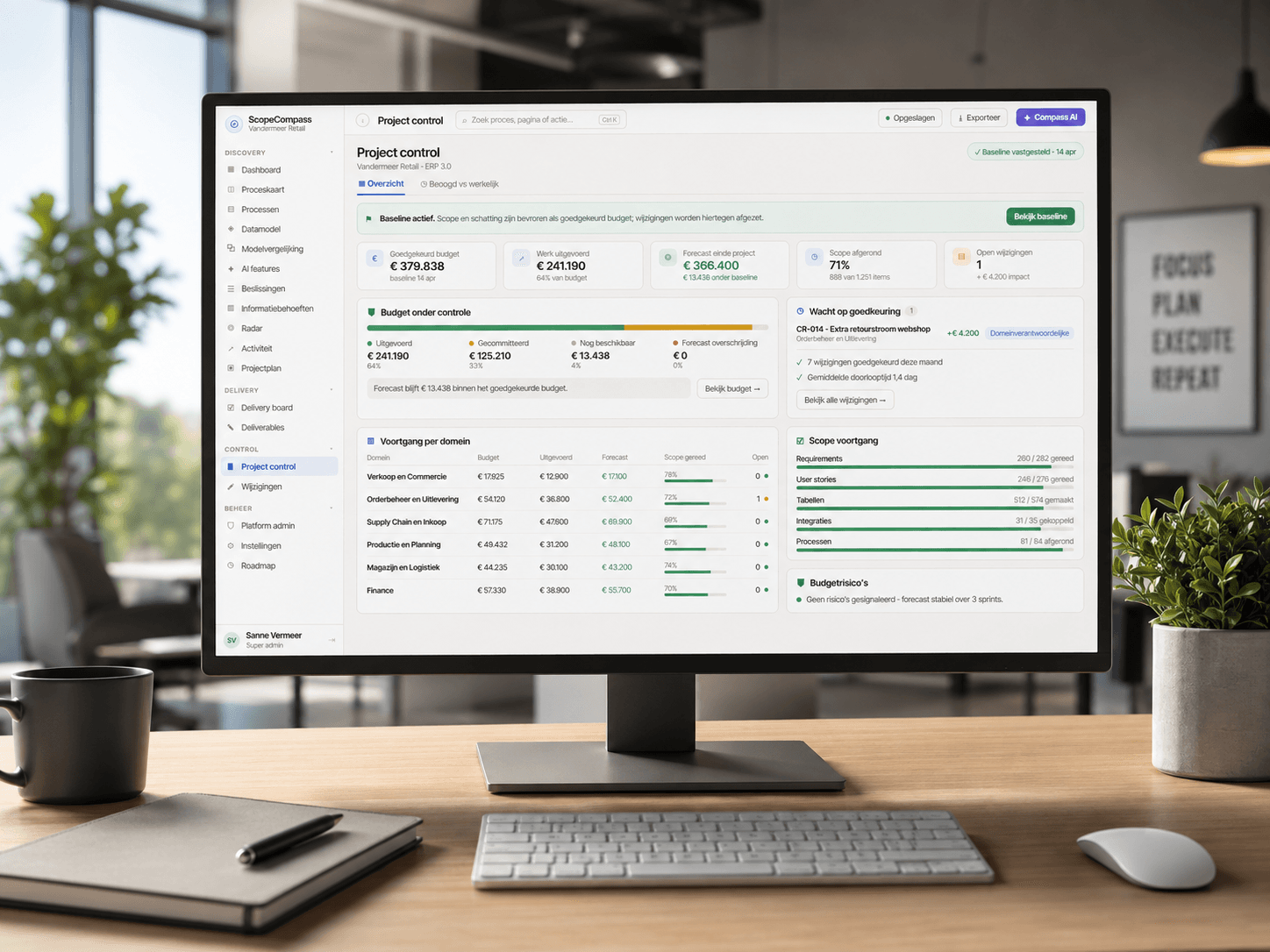
Discuss your situation →One environment for the story behind the software.
For organisations that don't want to explain their software twice.
- Manufacturing companies selecting or implementing an ERP.
- Existing ERP customers with substantial ongoing development.
- Implementation partners who want discovery and scope done more consistently.
- Consultants and IT managers who want client decisions to stay traceable.
Transparent about what is already there.
What is listed under “today” runs in real projects. What is listed under “next” is still being built or proven in practice. We keep the two apart.
Available today
- Process capture and process landscape
- Key-user and consultant validation
- Requirements and user-story generation
- Data model concept
- Use in real client contexts
Still being proven or built
- Full project-wide scope, budget and change control
- Thinkwise Build Artifact
- Live Software Factory discovery
- MCP connection
- Comparison between what was agreed and what was actually built
Frequently asked questions about Scope Compass
Is Scope Compass a process or diagramming tool?
No. It is a structured model in which processes stay connected to decisions, requirements, user stories, data intent and scope. That is what lets you filter, trace back and see what a change touches.
Does Scope Compass build an ERP application automatically?
No. Scope Compass describes and governs what the business needs. A Thinkwise builder then has to examine the current Software Factory model, propose the realisation and get human approval before execution starts.
Can I buy Scope Compass on its own?
Scope Compass is currently used in a guided way within real projects and collaborations. Standalone access and pricing are not final yet. Book a demo to discuss which form fits your situation.
Does Scope Compass only work with Thinkwise?
Discovery and ERP selection can be done platform-independently. Current delivery development is deliberately Thinkwise-first.
Is it still useful after go-live?
That is the intention: the validated process model stays the context for later improvements and changes. The full lifecycle value is still being proven further in practice.
Show us one real process. We'll show you what Scope Compass does with it.
In a guided demo we use your situation or a real project context. You'll see how processes are validated, how scope takes shape and which information stays usable for delivery.